
Features
FAQs
Yes — a step-by-step judge guide and quick reference (video and guided text) are provided to help judges complete evaluations confidently using the app. The guide is accessible by the "Guide" button at the top right corner of this page
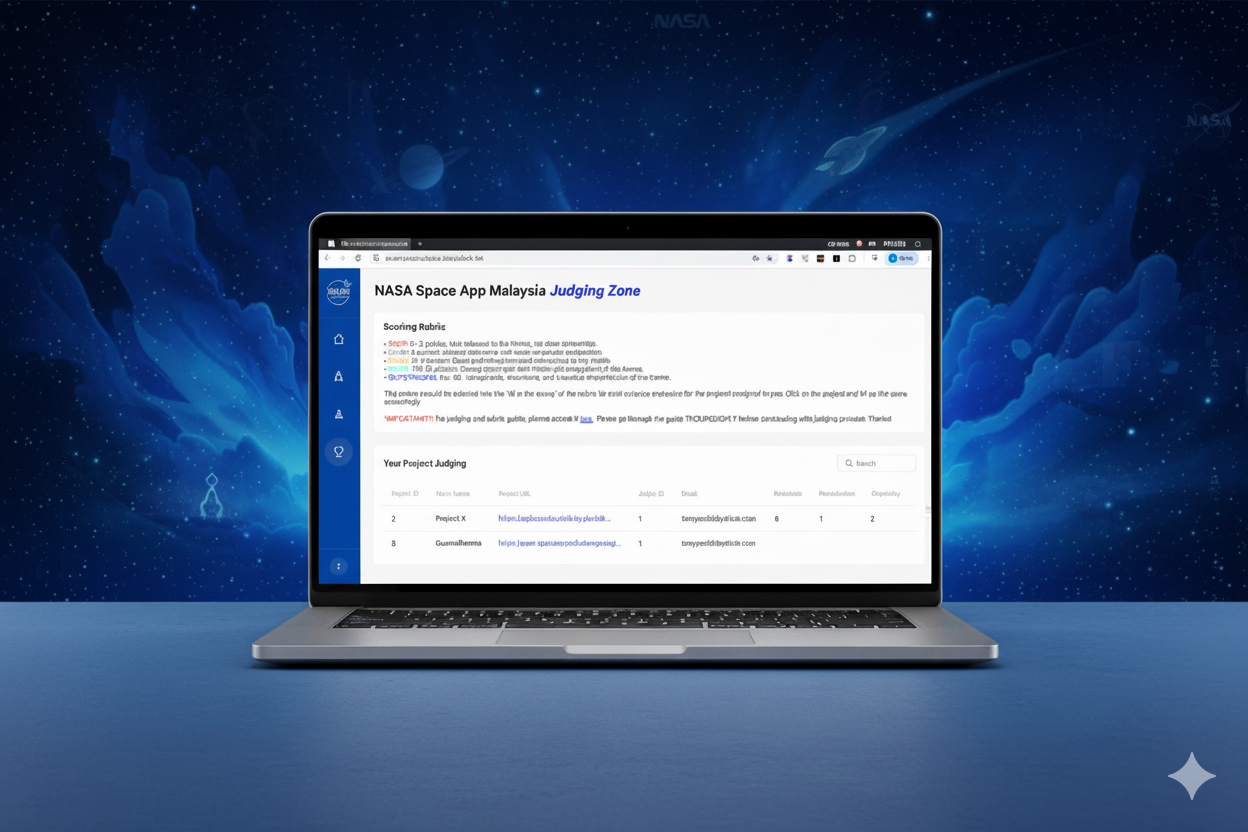
Organisers will send approved judges a secure sign up link or judges can access through the "Sign Up for Judges" button at the top right corner (only approved judges are allowed to use the app, failing to do so violate the app terms and condition and the user is liable to legal actions). Once signed up and logged in, judges can access the judging interface. Project will be assigned after the challenge ended. Please follow the guide and instruction given by the lead.
Entries are NOT saved automatically as you work. It will only save if you click the "save" button. If the connection drops, you have to redo the process. Incomplete evaluations without saving are not preserved. The best thing however is, the process is simple and you can always save before resuming your work.